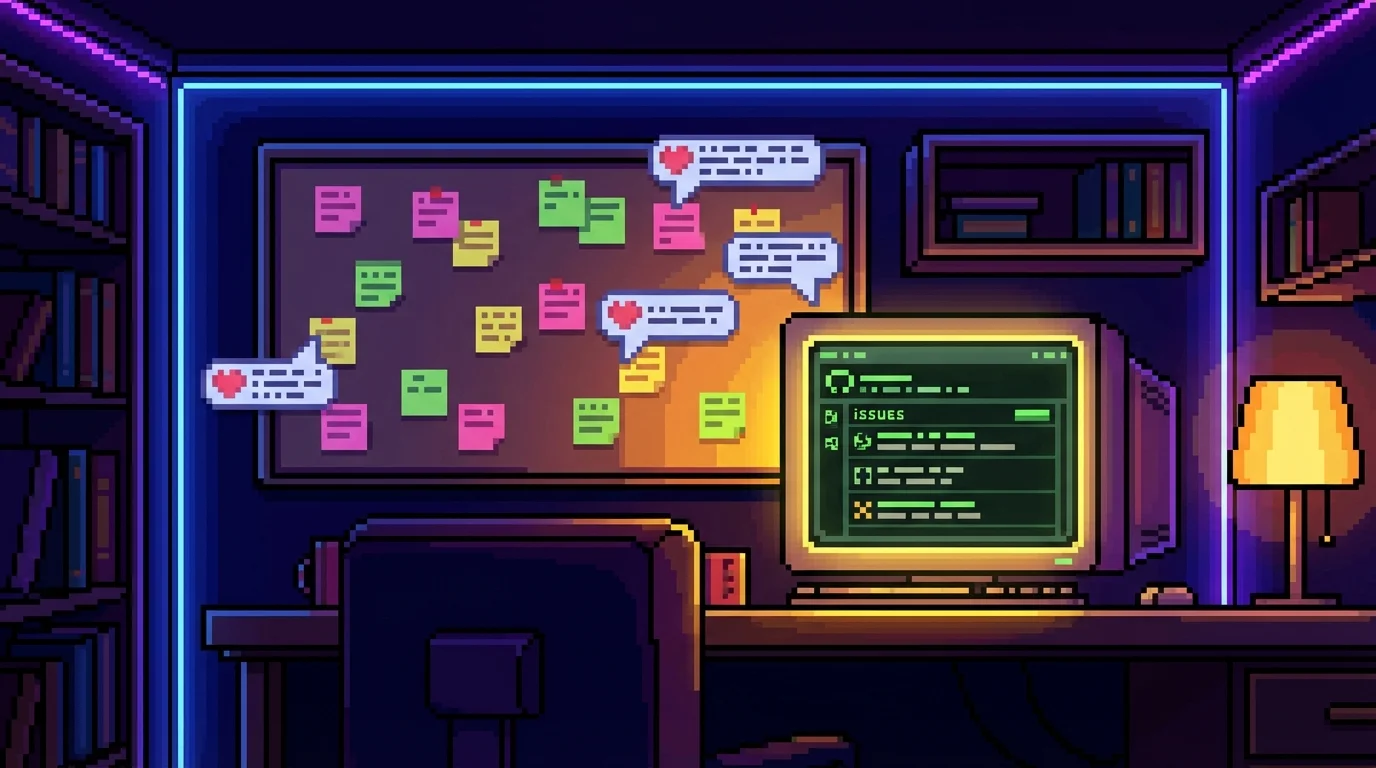
Every game on PixelDen now has a Feedback button — one click lets you report a bug, request a feature, or pitch a brand-new game idea. Takes under a minute, and every submission is read.
Key Takeaways
- Click the Feedback button on any game page to send bugs, ideas, or feature requests.
- Three categories: Report a Bug, Feature Request, or Game Idea.
- Submissions are public — you can browse and upvote what other players have asked for.
- Don't have a tech account? Use the quick message form instead, no signup needed.
- Every submission gets read. The best PixelDen tweaks come from player reports.
How to Send Feedback in 30 Seconds
Open any game on PixelDen. Look for the Feedback button (speech-bubble icon) on the game page. Click it, pick your category, fill the short form, hit send. Done.
You can also include screenshots and tag the specific game so the right thing gets fixed first.
Three Things You Can Send
Report a Bug
Something broken, glitchy, or just plain wrong? File a bug report. Include what you were doing, what you expected, and what actually happened. Screenshots help a lot. Common useful reports:
- A control that doesn't respond
- A score that didn't save
- A visual that's clipped or missing on your phone
- A game that crashed mid-run
Feature Request
Got an idea to make an existing game better? Send it. Things like new modes, control options, difficulty levels, or quality-of-life improvements all count. Some examples that have actually shipped from player requests:
- "Add an indicator showing the next falling shape in Sakura Drop"
- "Bigger touch buttons on small phones"
- "Local 2-player mode in Terra Claim"
Game Idea
Got a wild idea for a brand-new pixel art game you'd love to play on PixelDen? Pitch it. Genre, premise, what makes it fun — even rough is fine. Game ideas go into a backlog that gets revisited every time a new game slot opens up.
Why It's Public
Every submission becomes a public ticket other players can see, comment on, and upvote. That means:
- Transparency — you can see what's been reported, what's being worked on, what's already fixed.
- Upvotes count — popular requests get prioritized over one-off mentions.
- No black-hole inbox — your feedback isn't lost in someone's email.
If you're curious what's already been reported, you can browse the public list before submitting and just upvote a matching ticket instead of duplicating it.
No Account? No Problem
Not everyone wants to make yet another login. The Feedback modal includes a quick message form as a fallback — type your thoughts, hit send, and it lands directly with the team. If it's actionable, a ticket gets created on your behalf so others can see and upvote it.
What Happens Next
Every submission is reviewed:
- Bugs get prioritized and fixed in the next update — usually within 1–2 weeks.
- Feature requests are weighed against the roadmap. Popular ones jump the queue.
- Game ideas go into a backlog and get revisited when planning the next build.
Not every suggestion can ship — some don't fit the catalog, some are technically out of reach for a one-developer project. But every single one gets read.
Recent Player-Driven Improvements
A few things that came directly from feedback in the last few months:
- Loco Run early levels were too hard — slowed train pace and dropped wall density on levels 1–4.
- Space Invaders — the player ship used to hide behind the virtual joystick. The fix lifted it clear.
- Terra Claim 2-player mode — added because multiple players asked to play with a friend on the same device.
- Memory rapid-flip bug — caught and squashed within a week of reports.
Your voice already shaped the catalog. More changes are coming from things you've sent in.
Frequently Asked Questions
How do I report a bug in a PixelDen game?
Open the game page on PixelDen, click the Feedback button (speech-bubble icon), pick Report a Bug, fill out the short form, and submit. You can attach a screenshot and tag the specific game.
Can I suggest a new game for PixelDen?
Yes. Use the Feedback button on any game page and pick Game Idea. Describe the genre, premise, and what makes it fun. Game ideas go into a backlog that gets revisited when a new game slot opens up.
Do I need to create an account to send feedback?
No. The Feedback modal has a quick message form that works without any signup. Just type your message and send.
How long does it take to fix a reported bug?
Most bugs are fixed in the next update, which typically lands within 1–2 weeks. Critical issues (something that breaks a game entirely) get hot-fixed faster.
Is my feedback private or public?
Submissions you send through the form become public tickets that other players can see, upvote, and comment on. This keeps the queue transparent. The quick message form (no-account fallback) is private until the team turns it into a public ticket.
Will I hear back about my submission?
Yes — every public ticket gets a status update (acknowledged, in progress, fixed, won't fix). Quick-message submissions get a reply if you included a way to contact you.
Help Build PixelDen
The games are better when players speak up. Whether it's a tiny bug nobody else noticed or a wild idea for a brand-new genre — send it.
Thanks for playing, and thanks for speaking up.